
13: Disk Mover
 Learning Target
- Create a VEXcode blocks project
- Use sensors and iteration to complete a robotic task
- Understand absolute heading measurements
 Background Info
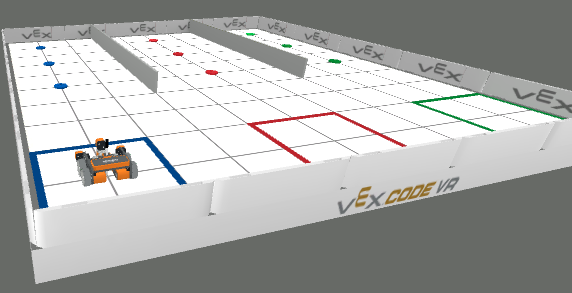
- The Disk Mover playground occupies a square grid measuring 2000 mm by 2000 mm
- The VR Robot’s starting position is at the coordinate (-800, -800)
- Each square within the Disk Mover playground grid is 200 mm in size
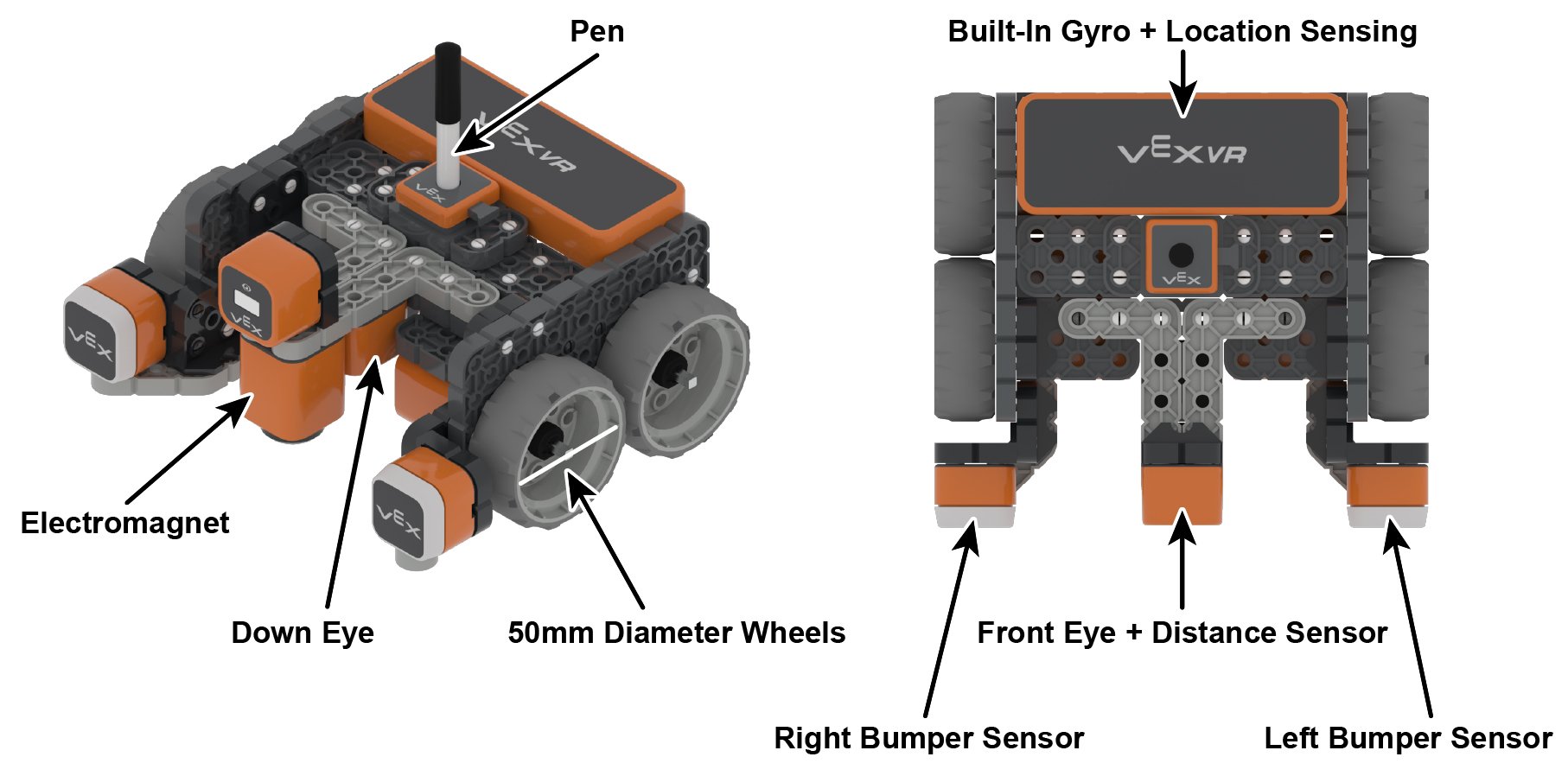
- The standard VR Robot measures approximately 133 mm by 151 mm
- The wheels are 50mm in diameter
- It has an electromagnet to pick up or drop game elements
- It has two color sensors, one below it and one on its front.
 Instructions
Step 1:
Use this link to access the school's Premium License for VEXcode VR:
https://vr.vex.com?classcode=GZXJUX
Step 2:
Click the "Select Playground" button.

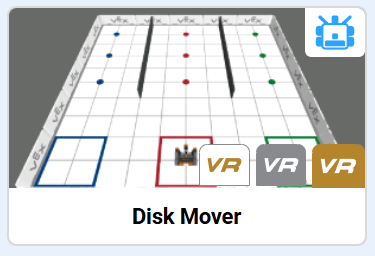
Choose the Disk Mover playground.
Step 3:
Your goal is to sort all of the colored disks into the correct locations:
-
- as quickly as possible
- using the fewest number of code blocks
A disk is considered sorted once it is entirely contained within the correctly colored boundary and white floor surrounds the entire disk.
Step 4:
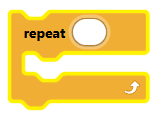
You will make your code much shorter by using the repeat block:
You can automate your movement by driving until you see a disk:
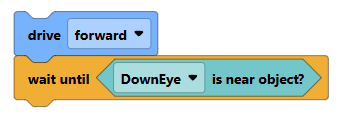
You can stop when you get close to a wall using something like this:
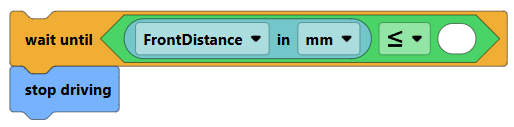
And, you will need to pick up the disks using the electromagnet:
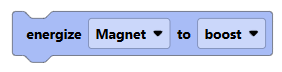
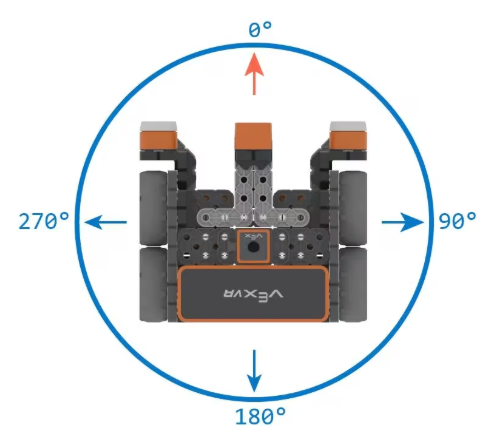
You can use this block to make sure your robot is pointed to a specific compass direction:
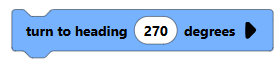 This points the robot to the West (or to the left)
Step 5:
Once you get your code working:
-
- How could you reduce the number of code blocks?
- How can you reduce the time it takes to complete the challenge?
Step 6:
The formula for scoring is as follows:
Score = (Time to complete in seconds) x (Number of code blocks used)
Time stops when all disks are sorted and the following block is reached:
Like golf, lower scores are better.
 Grading
| If your robot knocks down... | Your grade will be... |
|---|---|
|
Competition
|
Prizes for Lowest Scores |
|
Extended
|
A+ |
|
Exceptional
|
A |
|
Good
|
B |
|
Reasonable
|
C |
|
Needs Improvement
|
D |
|
Insufficient
|
F |
| Scores may be rounded to the nearest whole number. | |