
10: Robot Art
 Learning Target
- Create a VEXcode blocks project
- Write code for a robot that completes a specific task
 Resources
You can use the pin button to move the robot to a different location before you start drawing.
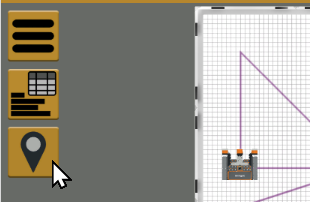
You can submit individual pictures, or try for some additional extra credit by drawing them without using this button (submit one complete playground and code image).
 Instructions
Step 1:
Use this link to access our Premium license for VEXcode VR:
https://vr.vex.com?classcode=GZXJUX
You should see a gold VR icon (NOT red) in the top corner of the screen.
Step 2:
Click the "Select Playground" button.

Choose the Shape Tracer playground.
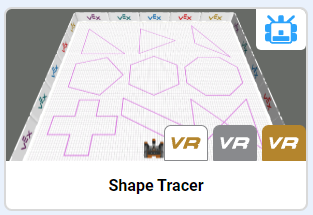
TIP: blocks are 300mm x 300mm in size.
Step 3:
Add blocks to your workspace to make the robot trace each shape. For each shape you will need to:
-
- Lower the pen
- Set a different pen color
- Move the robot to draw the shape
- Lift the pen
Step 4:
Save your project to your H drive so that you can access it later. Be sure to give it a name you will clearly recognize like "Robot Art" or something like that.
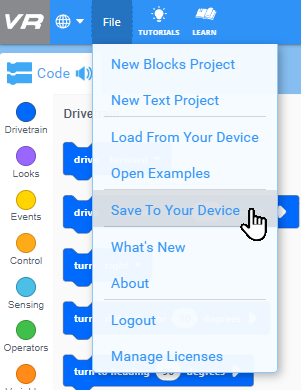
Step 5:
Arrange the playground window so you can see the code blocks and playground.
Take a screenshot of your project showing:
-
- Your code blocks
- The completed drawings in the playground
 Grading
See the rubric below.