
04: Rude Gold Bug (Part 2)
Requisitos de finalización
Step 1:
Hacer un envío
Cierre: martes, 10 de febrero de 2026, 00:00
 Learning Target
- Design a scene from a sketch
- Add and configure Rigidbody components
 Resources
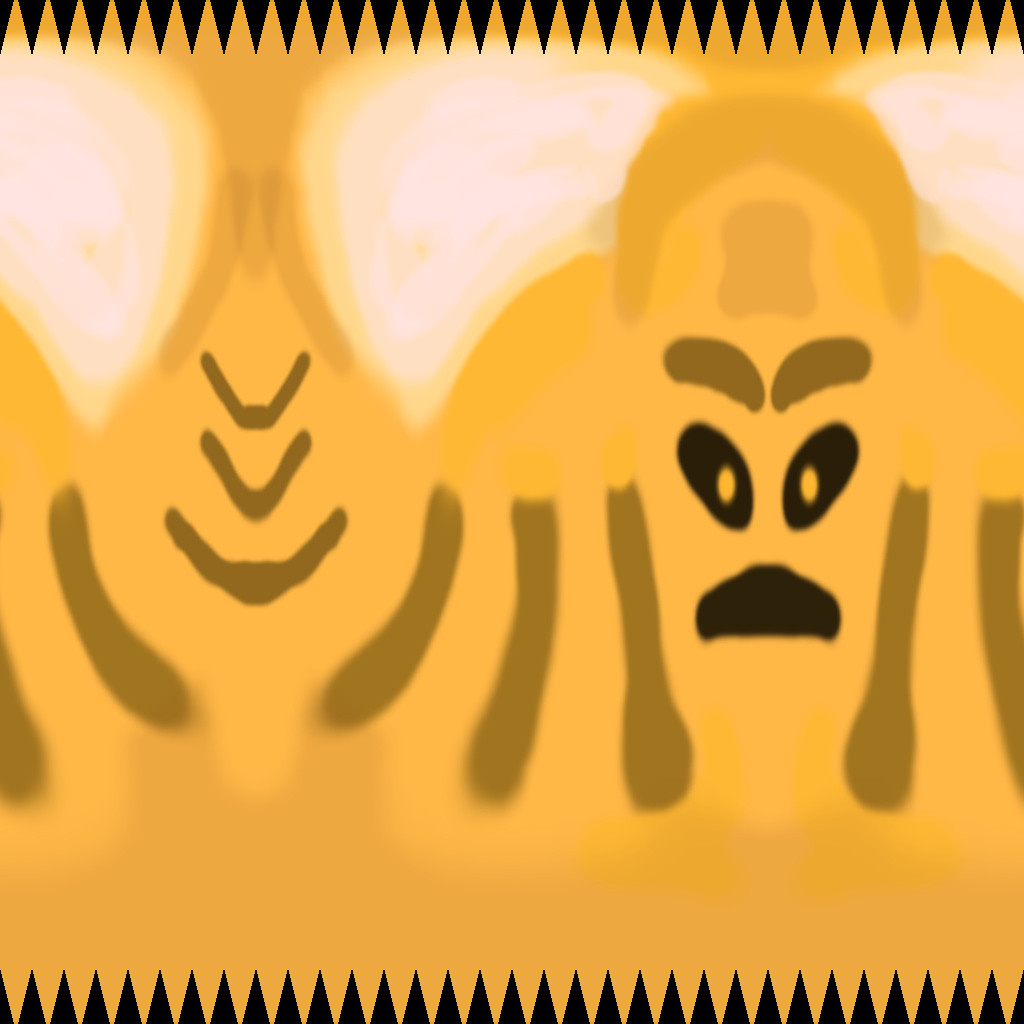
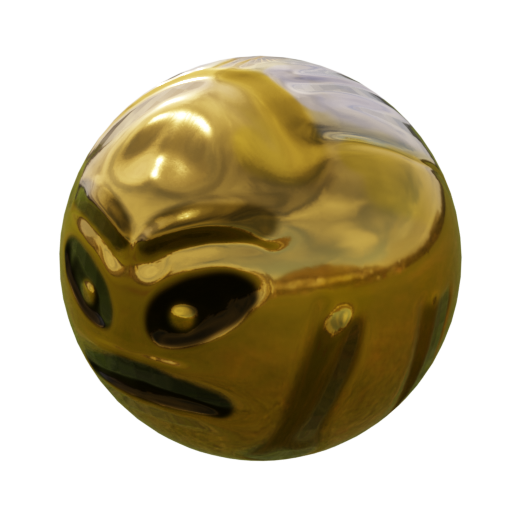
Feel free to use these as you wish:
 Instructions
Step 1:
Create a new Unity Game called Rude Gold Bug. Be sure to organize your Assets folder with subfolders.
Step 2:
Add fixed objects to your scene:
-
- Floors, platforms, ramps
- Walls, barriers
Avoid using planes or extremely thin objects. The physics engines don't do very well unless an object has thickness.
Step 3:
Add a sphere to your scene. This will be your "Rude Gold Bug". Then, add these things to it:
-
- Materials and Textures (you can use those provided or others)
- Rigidbody Component
Test the scene to see what happens.
Step 4:
Configure these settings for your bug:
-
- Mass: Choose an appropriate mass in kilograms
- Interpolation:
- None
- ✔ Interpolate (smooths out the motion's appearance by using the prior frame)
- Extrapolate (smooths out the motion's appearance by predicting the next frame)
- Collision Detection:
- Discrete (use with fixed objects)
- Continuous (use if your ball will only hit fixed objects)
- ✔ Continuous Dynamic (the ball is moving and may hit objects that are also moving)
- Continuous Speculative (used for fast moving objects where collisions need to be accurate)
Things to Consider:
- Each unit in a Unity scene is 1 meter. How much mass should an object have based on its size?
- The more realistic the mass, the more realistic the physical interactions will be.
Step 4:
Add enough to your scene that the ball will do each of these things at least once when you play the game:
-
- Roll on a surface
- Fall through the air
- Hit a floor, ramp or platform
- Hit a wall or other obstacle