
18: Material Sorting
 Learning Target
- Write a program that can move and sort disks by color
 Instructions
In this assignment, we will be sorting objects by color.
Step 1:
Create a new blank page in your notebook. Give it a good name for this assignment. Use this page to:
- Document needed positions around your workcell
- Contain images or videos of:
- Reflect on what was learned and challenges encountered
-
- Assembly
- Code
- Operation
Step 2:
If you have not done so already, ensure your pallets do not move using upside-down screws and nuts. The 3/4" (longest) screws will be needed for this.
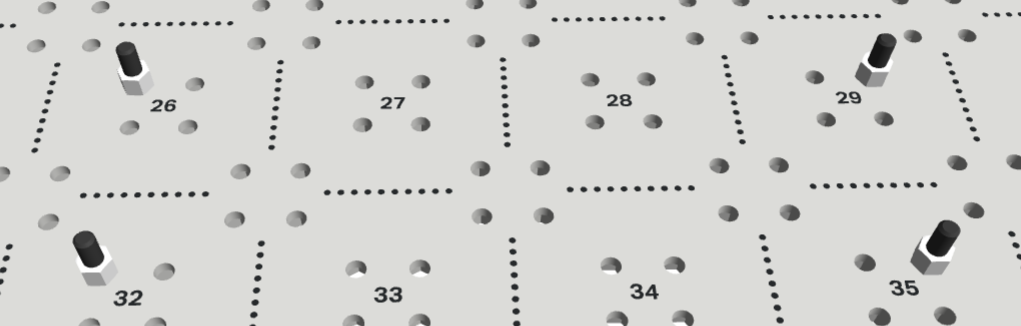
Note:
The exact pallet positions are not important as long as:
- you keep them the same throughout the assignment
- the positions are reachable by the arm.
Step 3:
Follow these instructions to setup the base workcell:
https://instructions.online/?id=4063-Brain_CTE_6-Axis_Arm_Base
Note the use of standoffs to give extra support to the base.
Step 4:
Connect your robot brain to your computer. Be sure that all of these are true:
- Brain firmware has been updated (tutorial)
- You can view the arm coordinates on the LCD screen (tutorial)
Step 5:
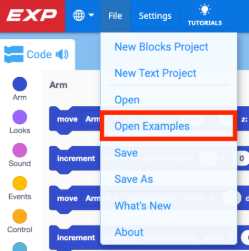
Open the Brain CTE 6-Axis Arm Base template project.

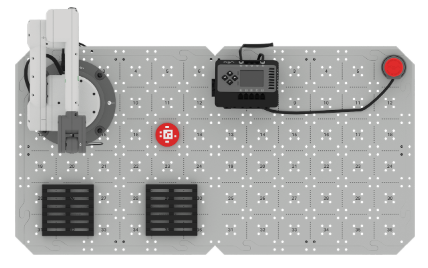
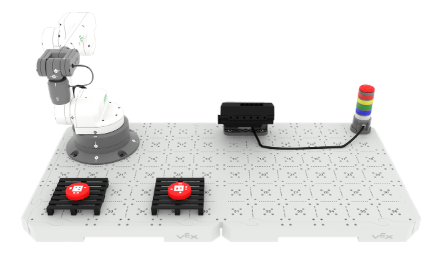
Stack two disks in the loading zone. For this activity, the loading zone will be Arm Tile Location 17. See below.
Write code to move each of the disks to a different pallet. (tutorial).
📷 Take a screenshot of your code. Be sure to save the project with a good name in your H: drive.
Step 6:
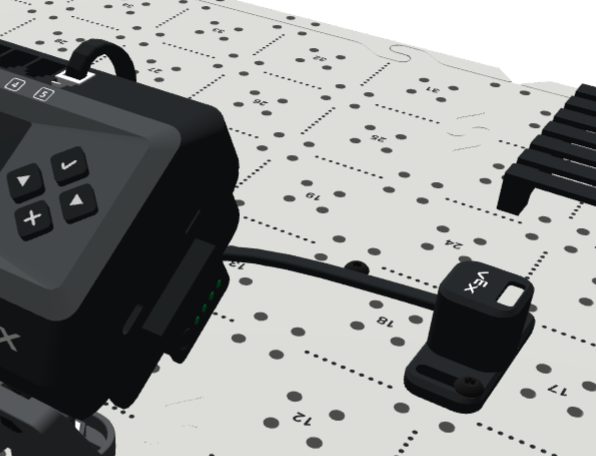
Use two (2) screws and two (2) nuts to mount an Optical Sensor to your base (tutorial).
Then, connect the sensor to one of the ports on your robot brain using a Smart Cable.
Step 7:
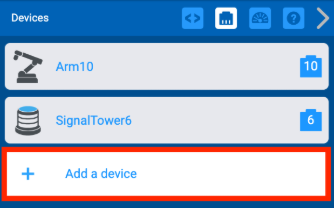
Create a new project using the Brain CTE 6-Axis Arm Base template.
In your project, add a new Optical Device.
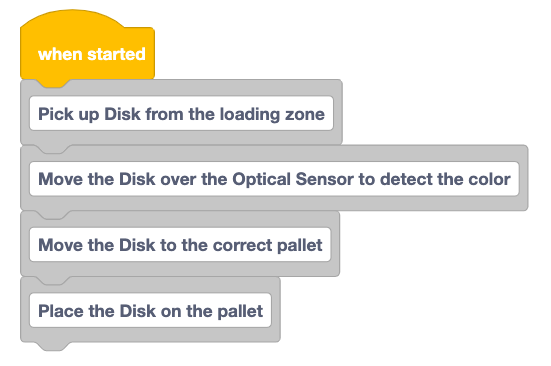
Use comment blocks to plan the steps needed to complete the task of sorting disks by color.
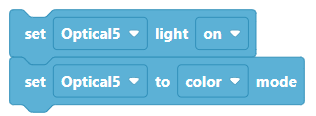
Turn on the optical light at the start of your project and ensure you are in color mode.
Step 8:
Stack a green and red disk in the Loading Zone. For this activity, the Loading Zone will be Arm Tile Location 11. See below.
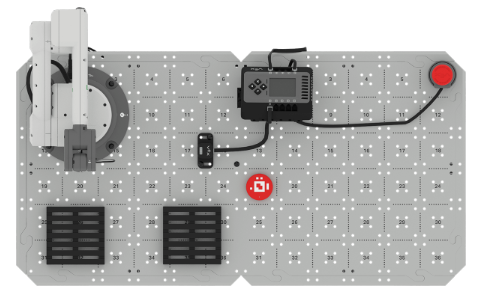
Write a program that sorts the disks by color and stacks them on the correct pallet. Your code should work regardless of the order of the two disks.
💻 Get a 6 digit code from the teacher and place it in your notebook in large text
📷 Take a screenshot of the code attached to your When Started block(s)
Challenge #1:
Be sure you have taken screenshots of your existing code before you continue.
Add new code that sorts a specific number of disks placed in the loading zone (up to 8). You may alter one value in your code before each program execution.
🎥 Record your arm completing the task or get a 6-digit code from the teacher
Challenge #2:
Be sure you have taken screenshots of your existing code before you continue.
Add new code that sorts a specific number of disks placed in the loading zone (up to 8). You may not alter any numbers in your code before each program execution.
Hint: You can detect when the arm has stopped moving. (this code block only seems to detect when its reached its intended destination...not when it stops moving in every case)
Hint: You can detect right and left button presses on the Robot Brain.
🎥 Record your arm completing the task or get a 6-digit code from the teacher