
09: Your First Game
 Learning Target
- Create a new game project in GDevelop
- Add objects and instances of those objects to a scene
- Add basic behaviors to an object
 Instructions
Step 1:
- Open File Explorer.
- Go to the game programming folder you created in your H: drive.
If you forgot to do this in the last assignment, create this now. - Create a new subfolder for this game project.
You can call it "First Game 01" or something like that.
Step 2:
Open the GDevelop Editor and go to the Create menu.
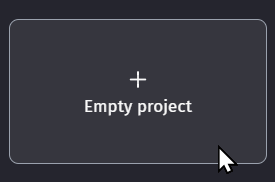
Click Create new game and choose the "Empty Project" option.
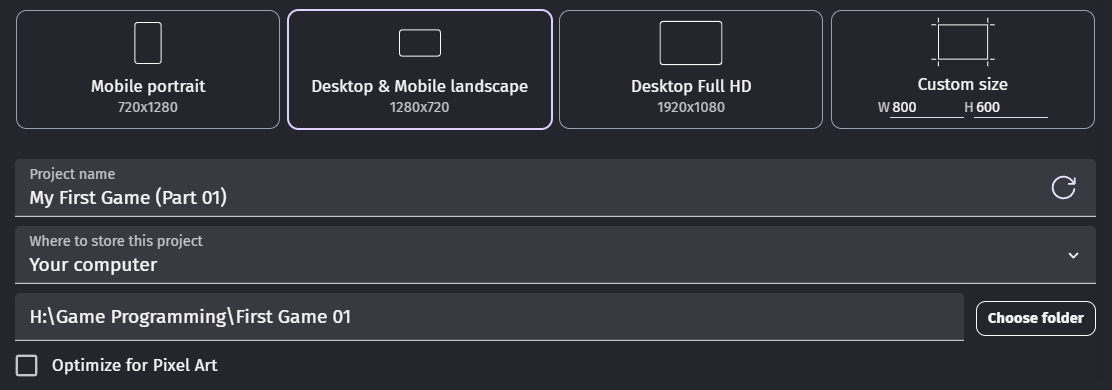
Save the project into your new folder as "First Game 01".
Step 3:
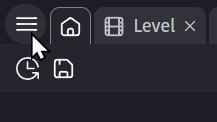
Open the project manager.
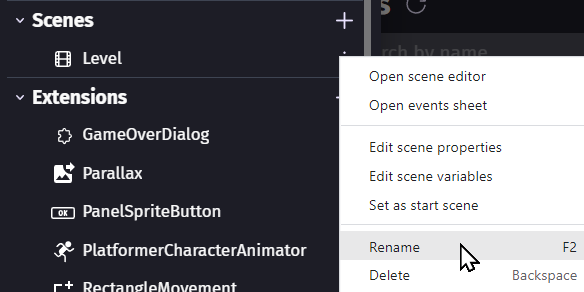
Rename the Level scene to First Level.
Step 4:
This will be a TOP-DOWN level. Find things that work well in that style of game.
Add 10 or more new objects to the game by choosing from the free content available in the Asset Store within GDevelop.
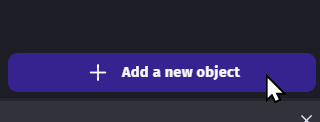
This can include:
- A background
- Obstacles
- Characters or vehicles
- Scenery or other details
You can filter the results in the Asset Store to only free items.
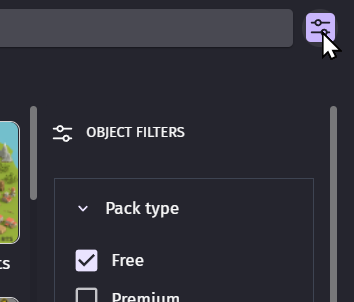
Save your game. Then, preview the game to make sure it looks the way you want when it runs.
Step 5:
Repeat these steps as needed:
- Arrange the objects into a purposeful layout
- Replace objects that don't seem to fit your intended design
- Change the z-order of objects so they are properly visible
- Save your project again
Step 6:
Let's edit the behaviors of one of your objects.
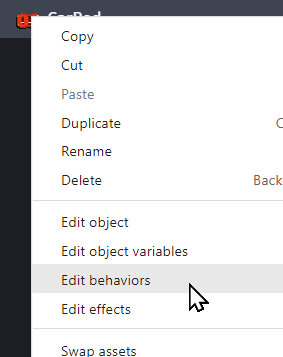
Add a new behavior to one of your objects.
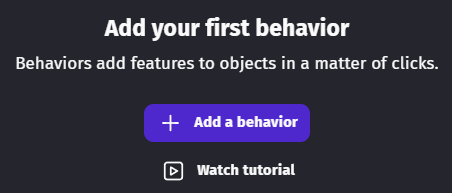
Choose the Top-Down Movement behavior.

Adjust the angle offset so that it moves correctly.
Step 7:
Search for a new behavior called Stay on Screen. Then, add it to your object.

Have you saved your progress yet?
Step 8:
Save your game. Then, preview the game to make sure it is working!
Make any changes that you think are needed. Then, save your project again.
Repeat this step as needed.
Step 9:
Find another behavior to add to one of your scene objects. See if you can get it to work!
 Grading
| Your submission... | Your grade... |
|---|---|
|
Extended
|
A+ |
|
Exceptional
|
A |
|
Good
|
B |
|
Reasonable
|
C |
|
Needs Improvement
|
D |
|
Insufficient
|
F |
| Scores may be rounded to the nearest whole number. | |