
10: Setup a Digital Engineering Notebook
 Learning Target
- Document ideas, sketches, and observations
- Create a chronological account of progress
- Provide details to teach others how to make and use an invention
- Organize useful resources and information
 Resources
This is a template to help you get setup quickly:
Robotics 2 Digital Notebook Template
 Instructions
Step 1:
Create your own copy of the digital notebook template for editing.
Step 2:
Customize the notebook with your own name.

Then, look for these callouts.
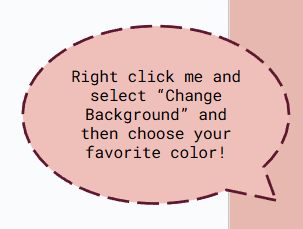
Change the colored backgrounds on these pages to make your notebook unique to you.
Step 3:
Review the Page Templates that are included in the notebook.
These pages can be copied and pasted whenever you need a new page.
Step 4:
Review the Calendar Templates that are included. You can make copies of these to use in your notebook wherever you wish.
Step 5:
Copy your favorite version of each of these and move them to the Your Notebook section.
-
- favorite page template
- favorite calendar template
If you change your mind later, you can always delete those you don't use. But, keep the original templates just in case.