
03: Create Code Studio Account
 Learning Target
· Create an account for Code Studio
· Set your display name for grading purposes
 Sign in to studio.code.org
· Click the Sign In button at the top of the page:
· Click the Continue with Google button: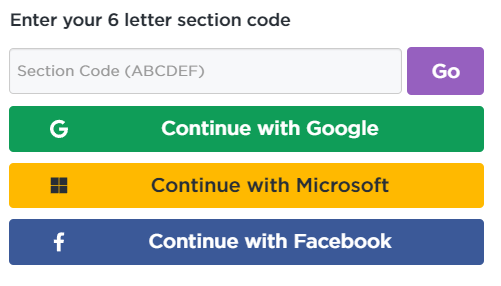
· Be sure to choose your School Email account.
 Setup your display name
Display Name Format (for grading purposes)
In order to receive timely grade updates, your display name must begin with the first two letters of your last name and first two letters of your first name:
[2 letters of lastname][first initial]-[optional school appropriate words]
|
Student Name |
Possible Display Name |
|
Kim Wu |
WuKi-mightyoak |
|
Jordan Smith |
SmJo-gameguru |
|
Mighty Mouse |
MoMi-MM |
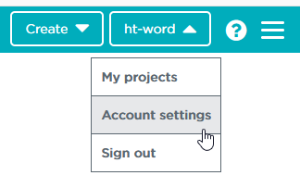
NOTE: If you already have an account and display name: You can change your display name by choosing Account Settings at the top right of the screen.
Why this format?
Whenever it is possible, choose usernames for websites that don't reveal your full identity. This format is sufficient for your teacher to identify who you are, but not others.
 Join your section
Be sure you are already logged into Code.org
Click on the link for your class period:
· P3: SMKFKQ
· P7: MWBDXC
Note: You may need to click the link a second time if you have been logged out by closing the tab or browser.