
Setup VS Code
Abschlussbedingungen
Step 1:
Find the VS Code icon on your desktop.

You can install this on your home computer by visiting this link:
https://code.visualstudio.com/download
Step 2:
Find the extensions tab in VS Code.

Install these extensions to improve your productivity and experience when writing HTML code.
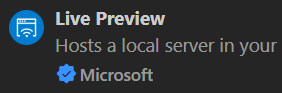
- Live Preview by Microsoft
- W3C Web Validator

Zuletzt geändert: Dienstag, 16. September 2025, 10:13